menu
 New
New
Lang
ع
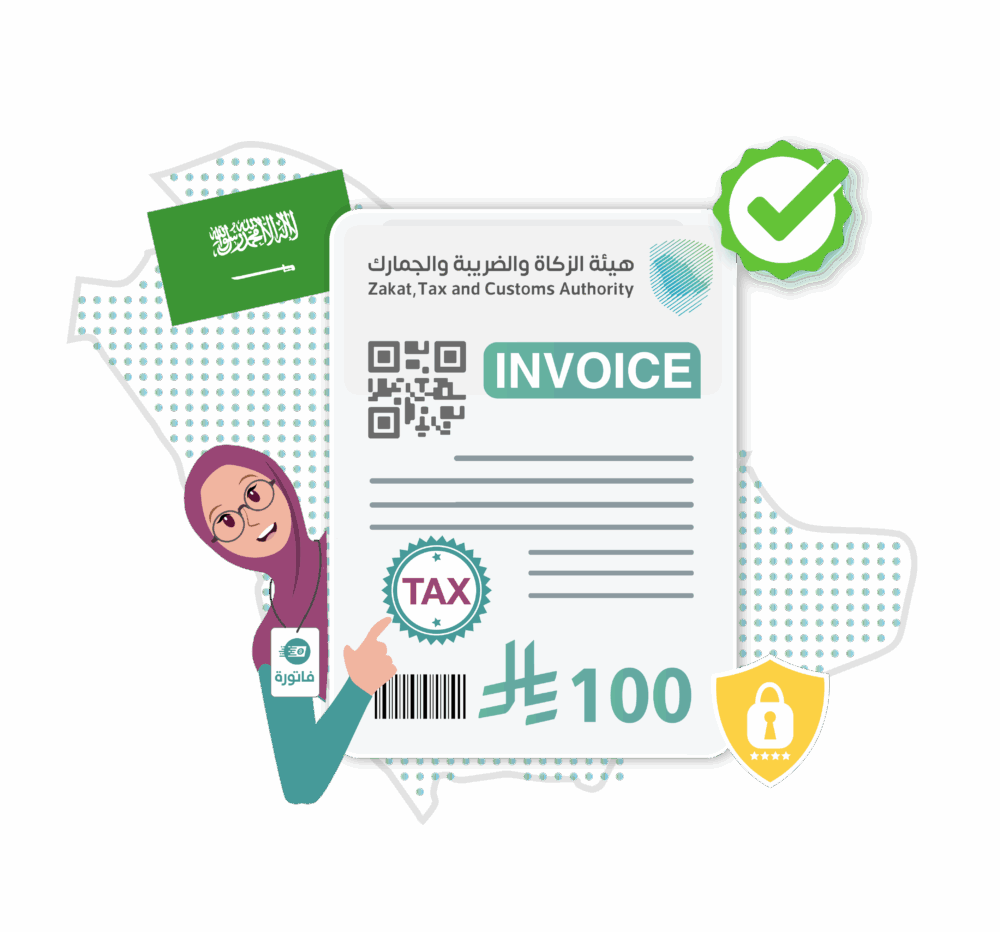
You can now activate the official integration with the zatca, Tax and Customs Authority (ZATCA) directly from your Fatora dashboard and start issuing fully compliant e-invoices that are sent automatically and securely.
This integration helps your business stay aligned with the Saudi e-invoicing regulations, reduce errors, and simplify your entire invoicing workflow.
Once an invoice is approved inside Fatora, it is sent immediately to ZATCA, and its status is updated in real time—no manual actions required.
Fatora provides ready-made, compliant invoice templates that include:
If ZATCA rejects an invoice, you’ll receive an instant notification explaining:
A dedicated dashboard helps you track:
Robust and flexible APIs let you connect your internal system or e-commerce platform directly with Fatora for a seamless data flow.
– Can I activate the integration myself?
Yes. From your account settings, select “ZATCA Integration,” enter your entity details and authorization, and you’re ready to go ,And you can view the integration guide.
– Does the integration support both simplified and tax invoices?
Absolutely—plus credit/debit notes with QR and UUID.
– What happens if ZATCA rejects an invoice?
You’ll receive an instant alert with the error details and instructions for correction. You can then re-submit the invoice after fixing it.
– Can I connect multiple branches?
Yes, Fatora fully supports multi-branch setups with separate tracking for each branch.
– Is API integration available?
Yes, advanced APIs are available for custom or enterprise-level integrations.
Enable compliant e-invoicing today, save time, and stay aligned with Saudi e-invoicing regulations.

Set of tools that help you sell your product and services online
Register now FREE